Copy this title into a new OneNote document:
Y10 AU – P3 – Data Units and Storage Requirements
Complete this table and copy it into the OneNote document:
| ⏱️ Do It Now: |
| Answer the following questions (1) Define what is meant by abstraction (2) Give an example of abstraction (3) Explain why decomposition is an important part of building any computer program |
🎯 Objectives:
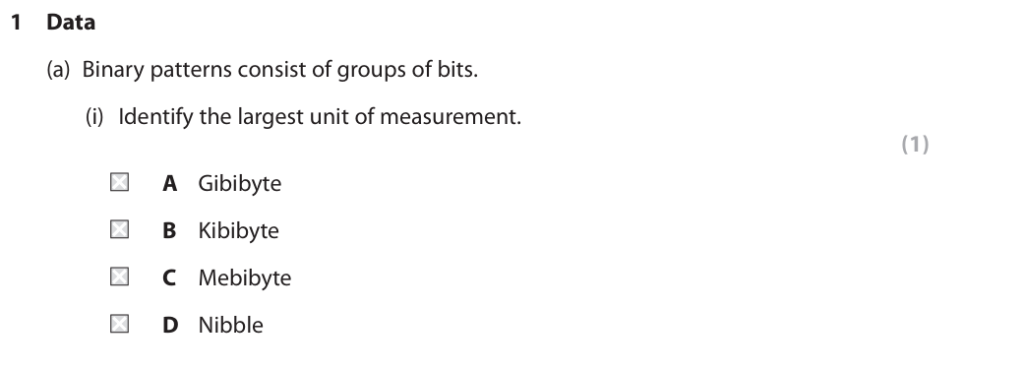
(1) We will be able to define the terms bit, nibble, byte, kibibyte, mebibyte, gibibyte, tebibyte
(2) We will understand that data needs to be converted into a binary format to be processed by a computer
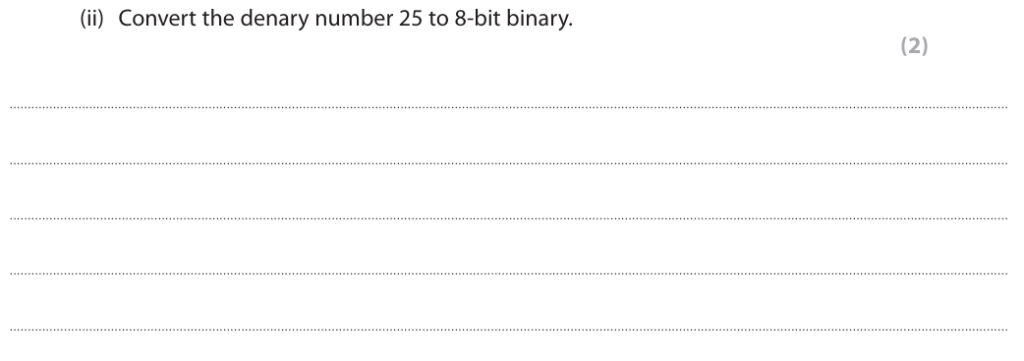
(3) We will be able to convert positive denary whole numbers (0-255) into 8-bit binary numbers and vice versa
📖 Information Source
Computers are made from transistors (switches)
Imagine millions or even billions of tiny switches working together.
Each switch stores either:
0 (off)
1 (on)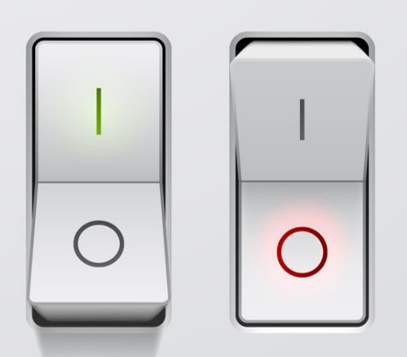 .
.
Binary number system
- Computers use the binary number system; consisting of only 0s and 1s
- Everything a computer processes must firstly be converted into a binary format
- This format is used for storing numbers, text, sound, graphics and the instructions of a program
Data units
Different units are used for data storage in computers
- 1 bit = a single 0 or 1
- 1 nibble = 4 bits (half a byte)
- 1 byte = 8 bits = 1 character of text
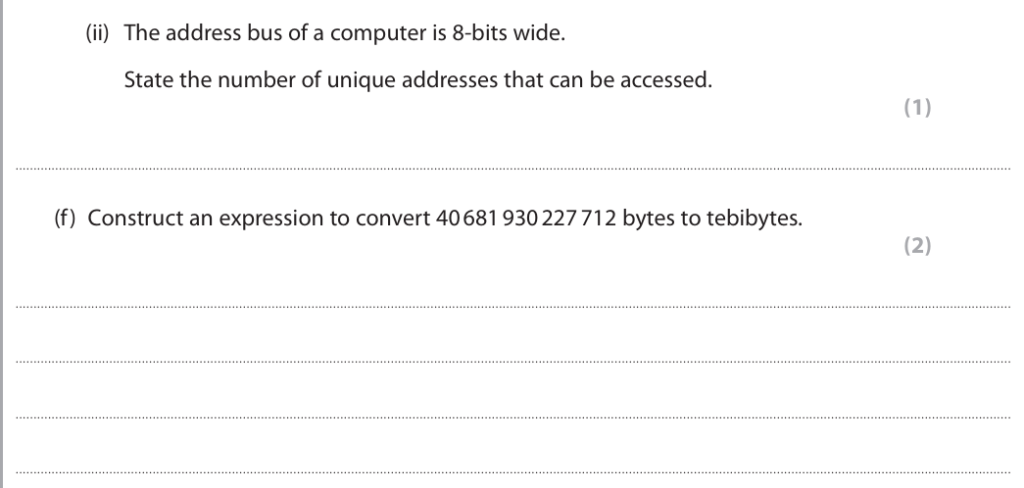
- 1 KiB (kibibyte) = 1024 bytes
- 1 MiB (mebibyte) = 1024 KiB or 1024×1024 bytes
- 1 GiB (gibibyte) = 1024 MiB
- 1 TiB (tebibyte) = 1024 GiB
A Sense of Scale
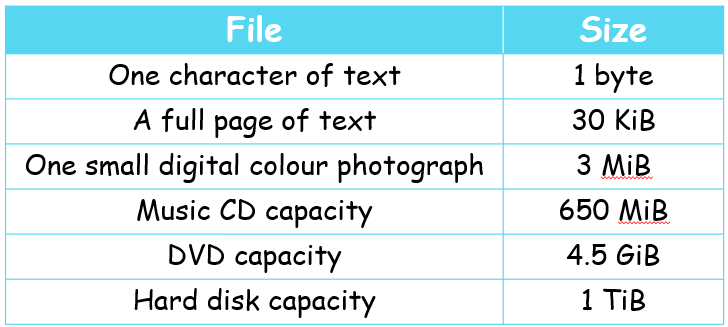
n.b.
1 bit is simply a 1 or 0
1 nibble is only 4 bits, however it can be represented by a hexadecimal character!
⌨️ Activity 1a – Possible States
We calculate the possible combinations by calculating 2 to the power of how many switches there are.
(1) Complete the table below and screenshot it into OneNote
| Number of Switches (Bits) | Possible Combinations or States |
|---|---|
| 1 | 2 |
| 2 | 4 |
| 3 | |
| 4 | |
| 5 | |
| 6 | |
| 7 | |
| 8 |
⌨️ Activity 1b – Storage Calculations
We calculate t
Activity 1b – Calculate The Number of Bytes
1. How many bytes are there in:
📖 Denary and Binary
- Tab 1
- Tab 2
- Tab 3
- Tab 4
The Denary System
Denary is a base 10 number system with 10 digits 0-9
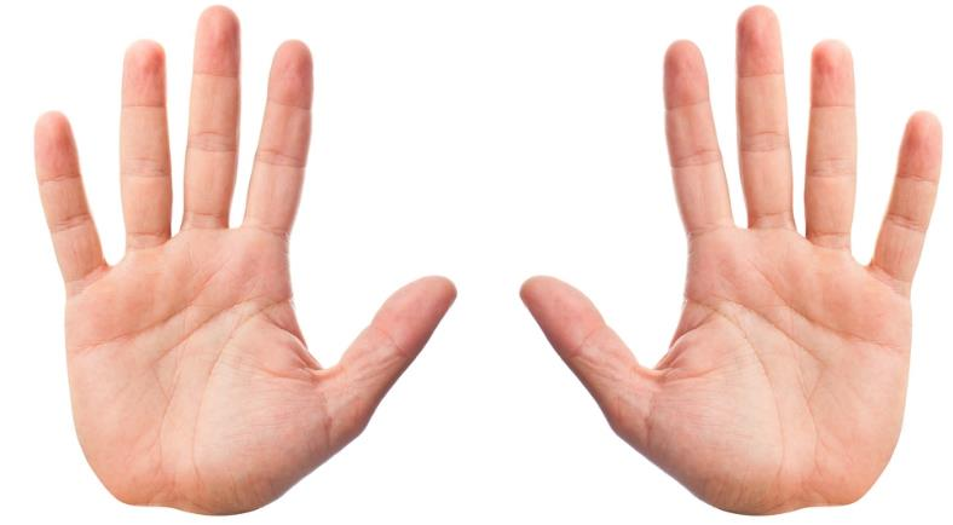
Why do you think we use 10 digits?
Numbers in the Denary System
As you can see in the image below, each place value corresponds to a specific scale
e.g. ones, tens, hundreds, thousands
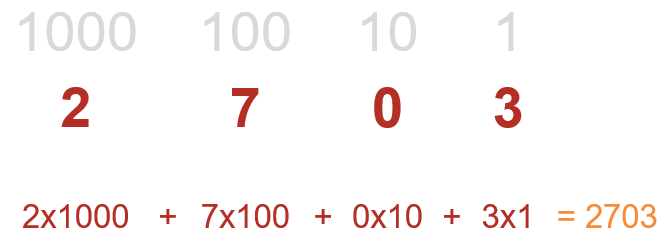
Binary works in a similar way
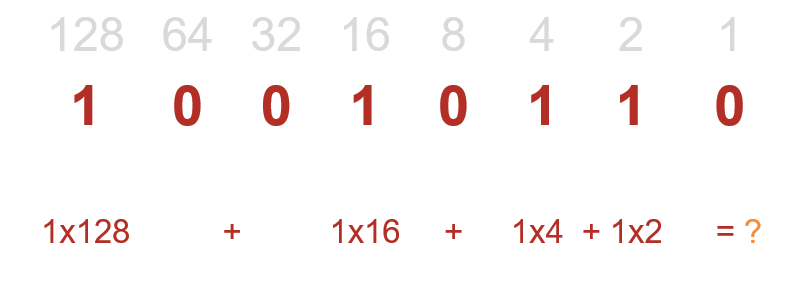
Binary place values are ones, twos, fours, eights, sixteens…. etc….
Each is twice as big as the place value to the right!
Most Significant and Least Significant Bit
✍️🧮 Converting Between Binary and Denary
(1) Complete a set of 20 Binary and Denary Conversions: Denary ↔ Binary Practice
(2) As this is for GCSE you can’t use a calculator in the exam; however you can have some scrap paper to help work it out.
(3) Paste your results into OneNote
👩🎓 Mini-Whiteboard Questions
- What is the name of the number system (0-9) used by humans?
- In binary, how many times greater is the place value to the left?
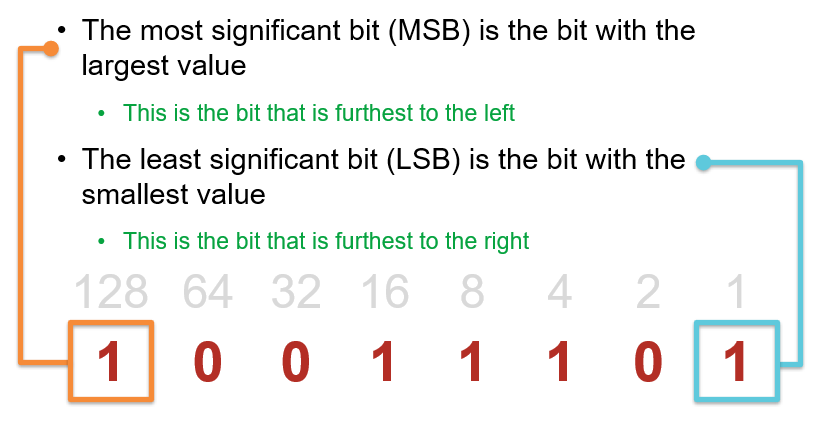
- What term do we use to describe the number in the highest place value?
- What term do we use to describe the number in the lowest place value?
- Why are 1s and 0s used in binary numbers?
- What is the name given to a 1 or 0 in a binary number?
