Copy this title into a new OneNote document:
Y10 AU – CT1 – Introduction to programming at GCSE
Complete this table and copy it into the OneNote document:
| ⏱️ Do It Now: |
| Answer the following questions: (1) Identify the two distinct components of the GCSE course in Computer Science. (2) Identify the name of the code editor we use in GCSE Computer Science (3) Explain why it is important to maintain an organised folder and OneNote for your GCSE Computer Science work |
🎯 Objectives:
(1) We are learning how variables, constants, inputs and outputs are used in 🐍 Python programs.
(2) We are learning about the difference between initialisation and assignment and why they are important principles to work with.
(3) We are learning about the importance of whitespace and comments.
(1) Create a Folder called:
AU1.2 (CT) – Programming Fundamentals
(2) Open Idle and create a file called:
AU1.2 – Activity 1
(3) Copy this code into the file and attempt to complete the challenge:
#-----------------------------------------------
# Global Variables
#-----------------------------------------------

userName = ""                        # Initialising a variable

SCHOOLNAME = "Torquay Girls Grammar" # Initialising a CONSTANT


#-----------------------------------------------
# Main Program
#-----------------------------------------------

userName = input("Please enter your name: ")

#=====> Write a line of code below that outputs their username and the school they go to.
(1) You will take a screenshot of your code and paste it into OneNote
(2) Label your screenshot in order to explain each of the following:
🔹 Initialisation (including why this is done)
🔹 Variables and Constants (explain why each is used, and how we can tell them apart)
🔹 Assignment of an input to a variable (what exactly is happening here and what symbol we use for assignment)
🔹 Outputting a variable and a constant
🔹 Identify an fString and the reason we use these
(1) Initialise further variables to use in the program (these could be what house they are in or what their favourite snack is).
(2) Use the input function (“with a helpful prompt”) to assign values to each of these new variables.
(3) Take a new screenshot of your updated code and annotate the changes you have made.
We will now use the mini-whiteboard app to test our understanding of what we have learned.
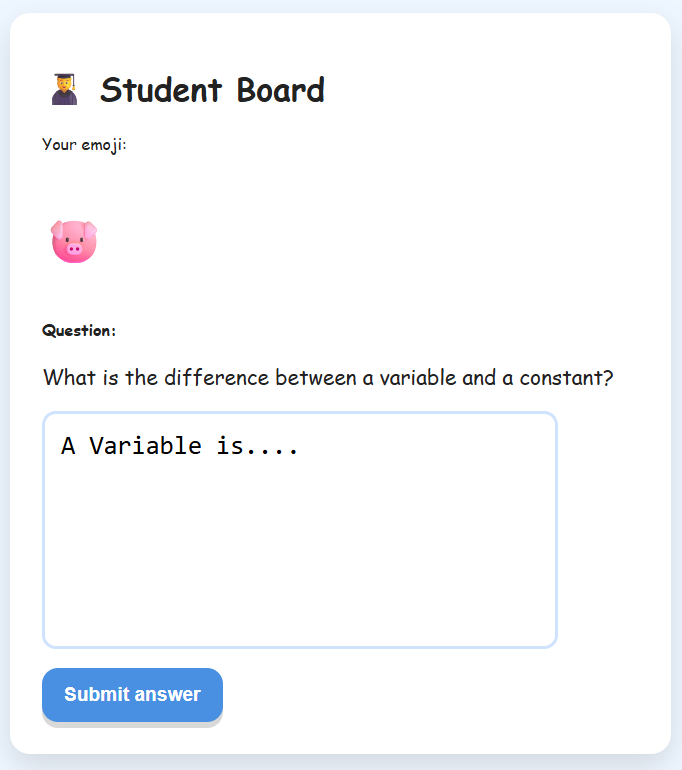
Variable: A variable is a named location in memory used to store a value that can change while a program is running.
– A variable is like a labelled box in a computer.
– You put data (e.g. a number or text) in the box.
– The value inside can change during the program.
userName = "Mavis"      # Setting the value of userName to "Mavis"
print(userName)         # This will output "Mavis"

userName = "Audrey"     # Changing the value of userName to "Audrey"
print(userName)         # This will output the new value of userName, which is "Audrey"
Constant: A constant is just like a variable, however it is never changed once given its initial value.
So we understand if a value is a constant its name is written in CAPITALS
SCHOOLNAME = "tggs" # This is a constant - it will not be changed once initialised

print(SCHOOLNAME)   # This will always output "tggs", as the code never changes the value of SCHOOLNAME
Initialisation: The process of giving each variable and each constant an initial (first) value at the beginning of the program.
This is done so the computer makes enough memory available for the program to run smoothly until the user closes it.
If this isn’t done at the beginning of the script (and variables / constants are made when they are first used) the computer might not be able to give the program the extra memory it needs, thus crashing the program.
username = ""         # Initialising a variable means giving it an empty value
SCHOOLNAME = "tggs"   # Initialising a CONSTANT means giving it the only value it will ever have
Assignment: The name given to the process of actually giving a variable or a constant a value.
Assignment is easy to identify from the single equals sign between the variable / constant and the value given to it.
sandwich = "Cheese" # Here the value "Cheese" is assigned to the variable sandwich
Assigning an Input: This is only ever done with variables.
Instead of assigning a value directly in the code, whatever the user types into an input box is assigned to the variable instead
userName = input("Enter your name: ")
Prompt: Any output that tells a user what to do next.
When writing an input in python, the prompt is written between the brackets.
A good bit of advice is to always leave a space at the end of your prompt text; this ensures the user isn’t typing right up against the last character of the prompt.
input("This is the prompt text: ")
Outputting with fStrings: When we output constants and variables to a user, we often want them to be placed among other words.
To do this we can use an fString; placing an f before the first speech marks of the output text and putting variables or constants in curly brackets.
print(f"Your name is {userName} and you go to {SCHOOLNAME}")
