📖 Everybody Reads
🖥️
How Computers Work
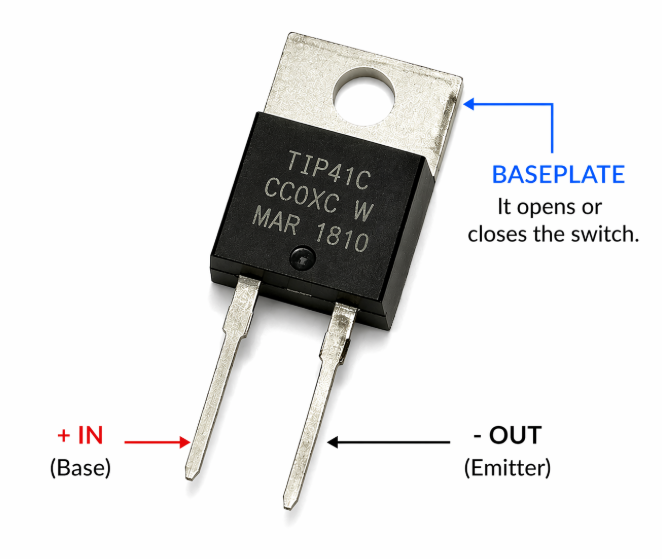
- Computers are made from millions of microscopic switches called Transistors
- All data on computers is stored as 1s and 0s; a system called Binary
Transistors
Transistors are tiny electronic switches that can be switched on by passing an electrical current through their base plate.
Because each transistor can be switched on by an electrical current one transistor can be used to control another. This enables us to create patterns (and ultimately, complex things such as computer software).
Binary
Because switches (such as transistors) can only be on or off, we can only use two values to represent their current state
Computer Scientists decided to represent these two states with 1 and 0
- 1 = ON
- 0 = OFF