⏱️ Do It Now
Create a OneNote Page
Copy both the title and the DIN task into the page – then complete the DIN task:
Y8 – AU1.5 – Sound
| 📝 Do It Now |
| (1) Complete the quiz at this link: Y8 – AU1.5 DIN (2) Screenshot the result screen and paste it into the OneNote Page. (3) If you weren’t entirely happy with your score, reattempt the quiz again and paste your new score beneath that of the first attempt. (4) Download and prepare the slideshow to suit your needs. |
🎯 Lesson Objectives
1) Be able to outline the properties of sound waves
2) Be able to describe the process of sampling a sound file
3) Be able to explain the number of bits per sample and how many samples are recorded per second.
📖 What Are Sound Waves



🎓 Activity 1 – Sound Wave Generator
Click The Link: Sound Wave Generator
Follow along with your teacher’s instructions
📝 Activity 2 – Explain Sound Waves
| Take several screenshots of the sound generator app you have just experimented with (1) Explain what is meant by frequency; providing screenshots of what a high and low frequency wave look like. In your explanation, outline what high and low frequency sound like. (2) Explain what is meant by amplitude; providing screenshots of what a high and low amplitude wave look like. In your explanation, outline what high and low amplitude sound like. |
| |
📖 How Sound Is Recorded and Played Back
Analogue sound waves are recorded through a microphone and the signal is sent to the computer
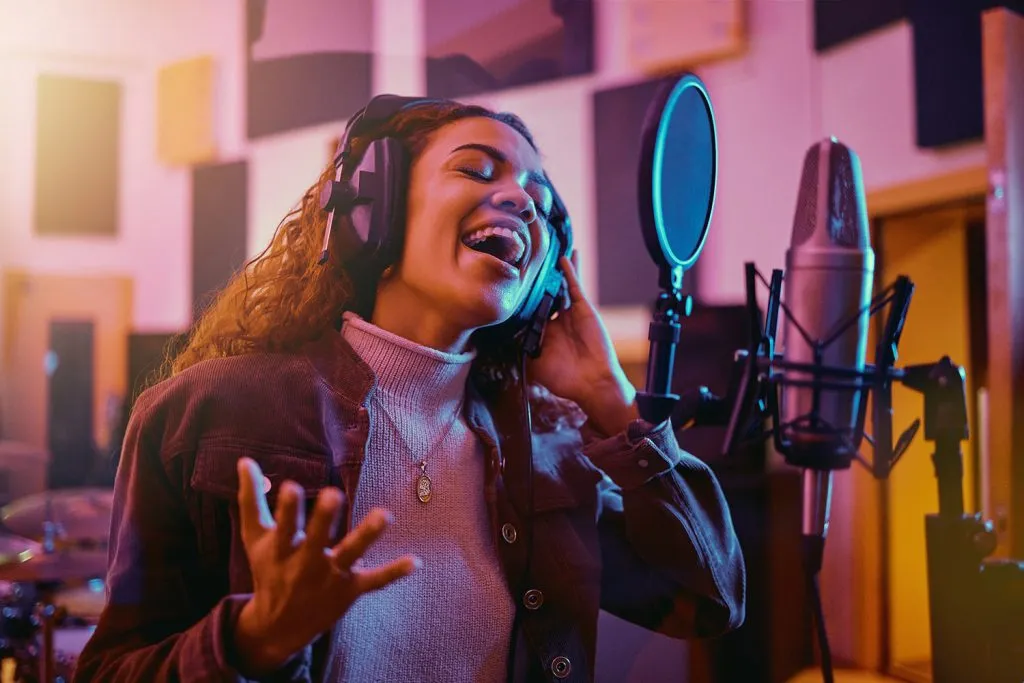
A special component in the computer, called the analogue to digital converter, takes a reading of the amplitude(loudness) 44,100 times per second!
44,100 times per second is often referred to as 44,100 Hertz
Each of these readings is called a sample
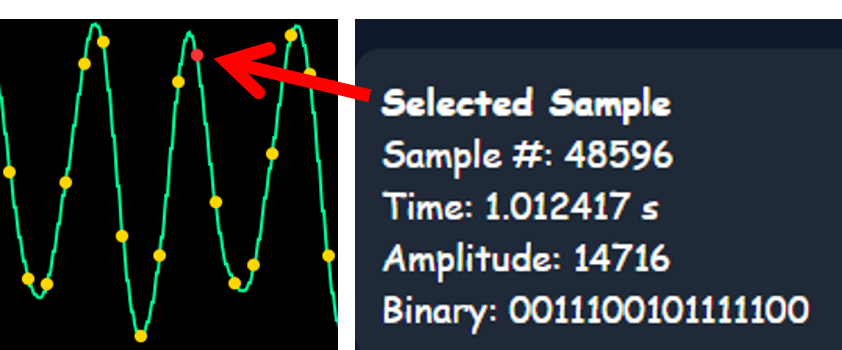
Each sample, being a measurement of the amplitude at a particular point along the wave,
is stored as a 16 bit binary number.

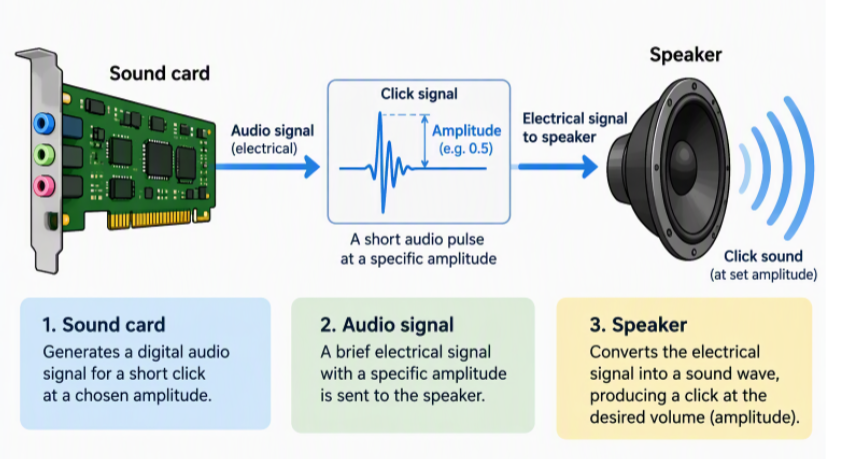
To play back a track, the samples are passed (one at a time) to the soundcard.
This then produces a click at the same amplitude stored in the sample
44,100 clicks are played each second; sounding just like the original sound wave to the listener
🎓 Demonstration:
Follow your teacher as they demonstrate how the sound sample viewer works
Click this link: Digital Sound Sampling Explorer
📝 Activity 3 – How Sound Is Recorded
| 📝 Activity 3 – How Sound Is Recorded |
| (1) Identify the device that records analogue sound waves as binary numbers. (2) Explain what a sample is, and how many bits (1s and 0s) are used for each. (3) Explain what is meant by hertz, and how many samples are recorded by your computer per second. (4) Use the Sample Viewer to demonstrate samples within a sound wave. |
