⏱️ Do It Now
Create a OneNote Page
Copy both the title and the DIN task into the page – then complete the DIN task:
Y8 – AU1.4 – Images
| 📝 Do It Now |
| (1) Complete 4 hexadecimal conversions paste the result below Denary → Binary → Hex: Checker (2) Complete 2 binary additions paste the result below Binary Addition Practice |
🎯 Lesson Objectives
| 1) We will be able to explain the composition of a pixel 2) We will be able to describe how binary numbers code for different colours 3) We will be able to represent a colour value with a hexadecimal number |
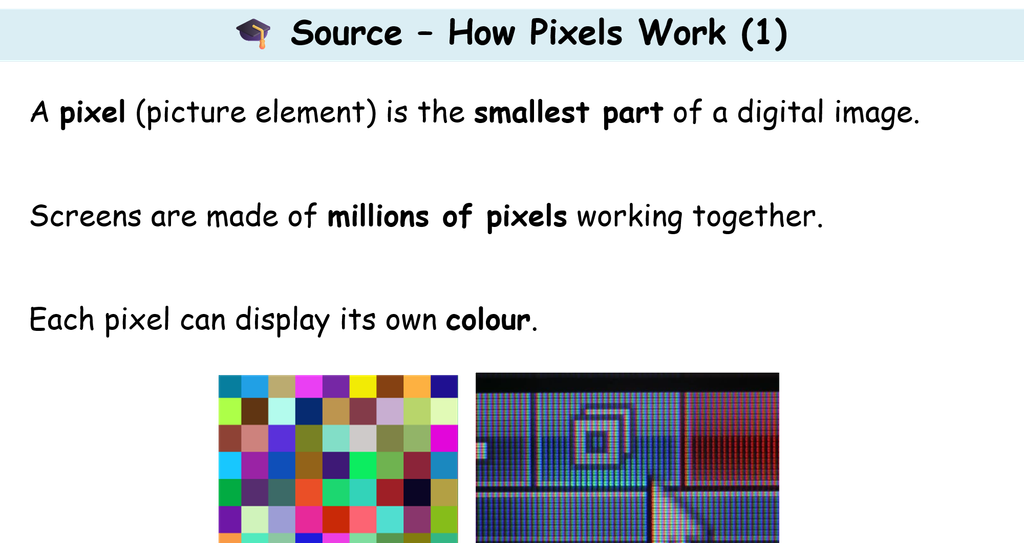
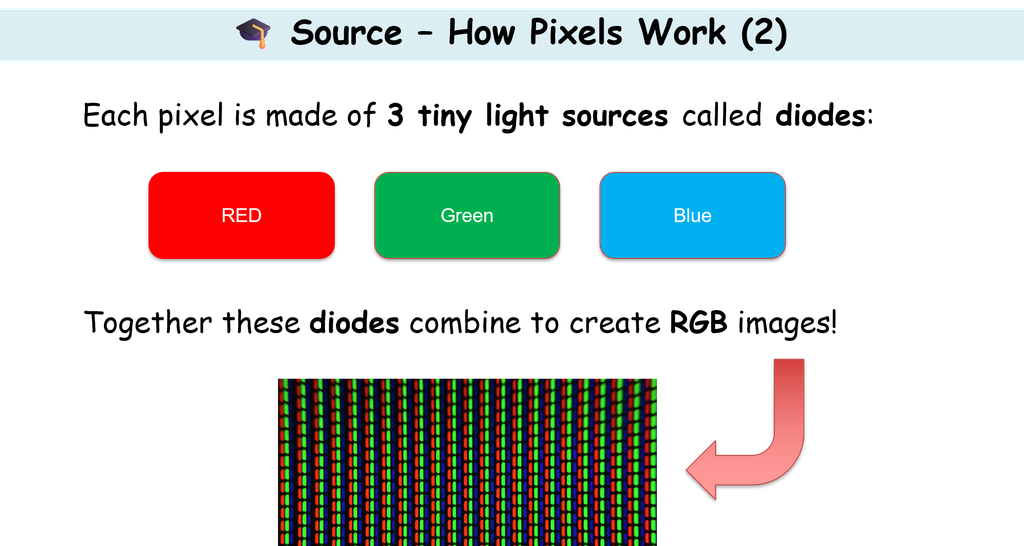
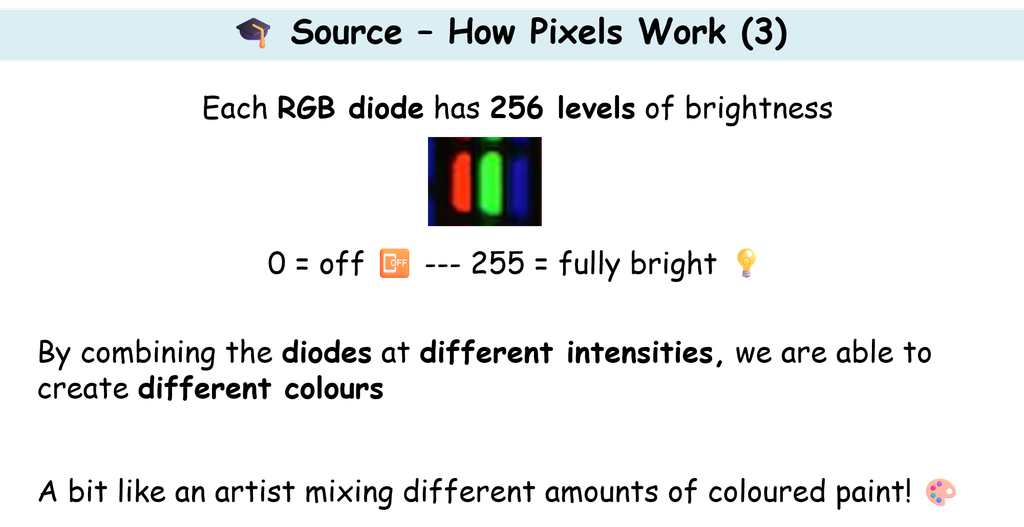
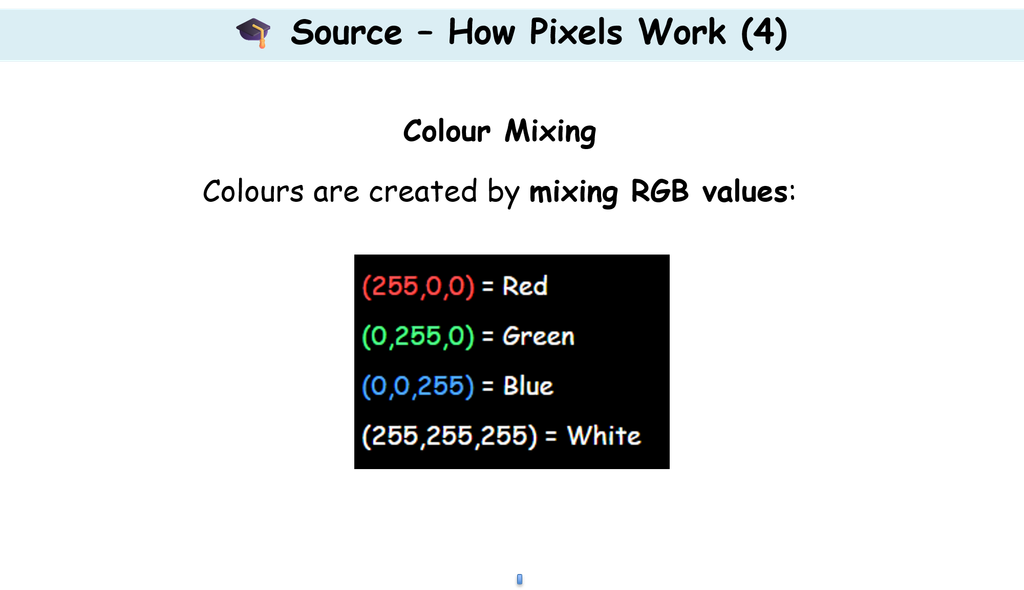
📖 How Pixels Work
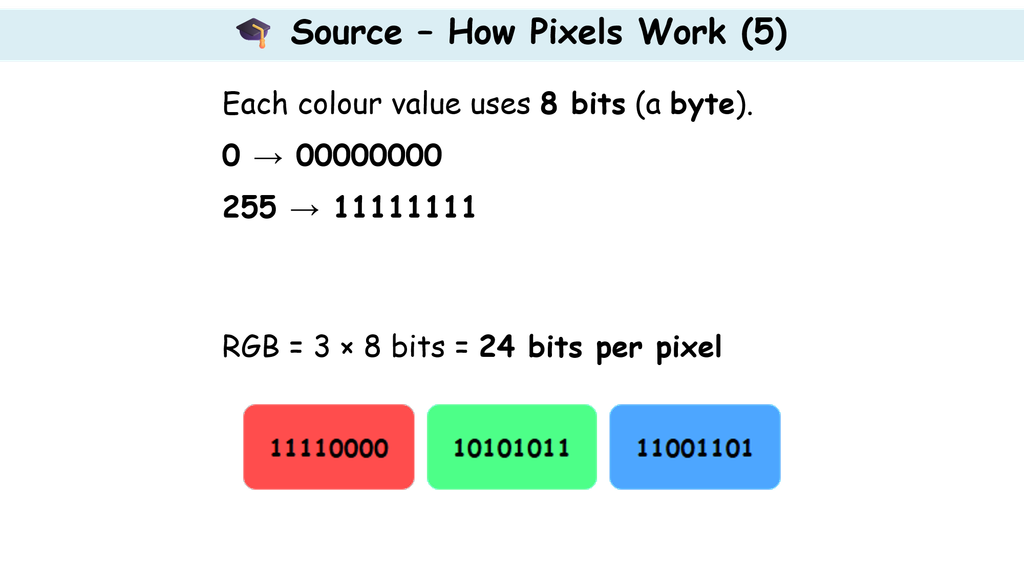
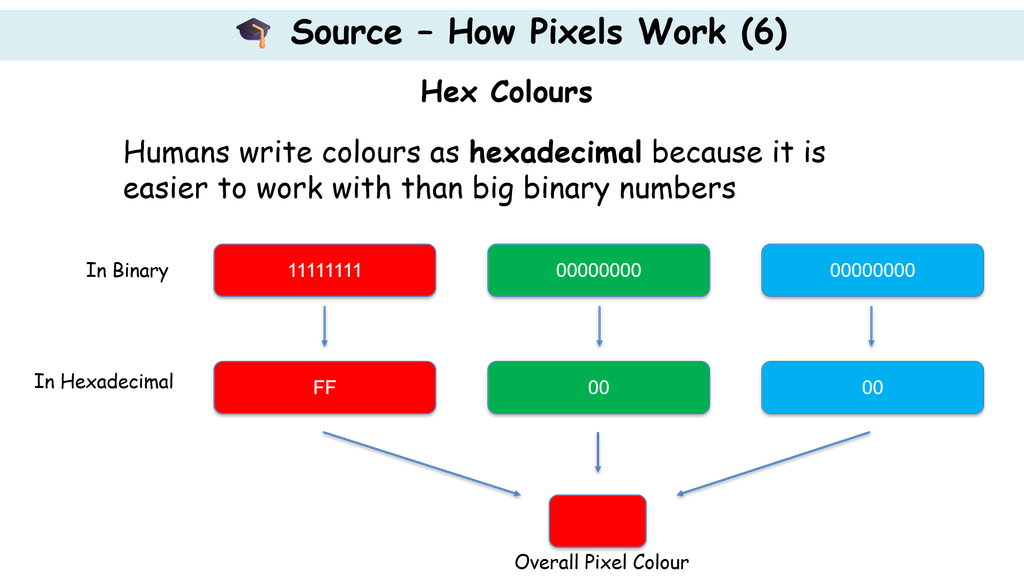
🎓 Using The Pixel Simulator
Your teacher will now show you how to use the Pixel Simulator
You will firstly learn how to create RED, then GREEN and then BLUE
You will then be challenged to represent a range of different combined colours
⌨️ Activity 1 – Explain How Pixels Work
| Task: Write a detailed explanation of how colour data is represented by computers. You must include: a) What a pixel is b) What diodes are and how many there are per pixel c) How many different intensity levels each diode has d) How intensities combine to create a final colour e) How values are stored in binary and how this links to hexadecimal (#RRGGBB) Use the Pixel Simulator: 1) Choose at least two different colours 2) Record their hex values 3) Include the binary values for each 4) Explain how the diode intensities change Challenge: Can you explain why 24 bits allows for over 16 million colours? |
