⏱️ Do It Now
Create a OneNote Page
Copy both the title and the DIN task into the page – then complete the DIN task:
Y7 – AU1.7 – Features of Microsoft PowerPoint
| 📝 Do It Now |
| Answer each of the following: (1) Name the formatting feature that allows us to position text to the left or the centre of the screen (2) Describe how you could use a combination of tools in order to make the text of a document more user friendly (3) Explain why people apply a range of formatting tools to a word-processed document |
🎯 Lesson Objectives
| 1) We are learning how to apply formatting features to a PowerPoint slide show 2) We are learning how to apply interactive and multimedia features to a PowerPoint slide show 3) We will develop a PowerPoint slide show that features a range of formatting, multimedia and interactive features |
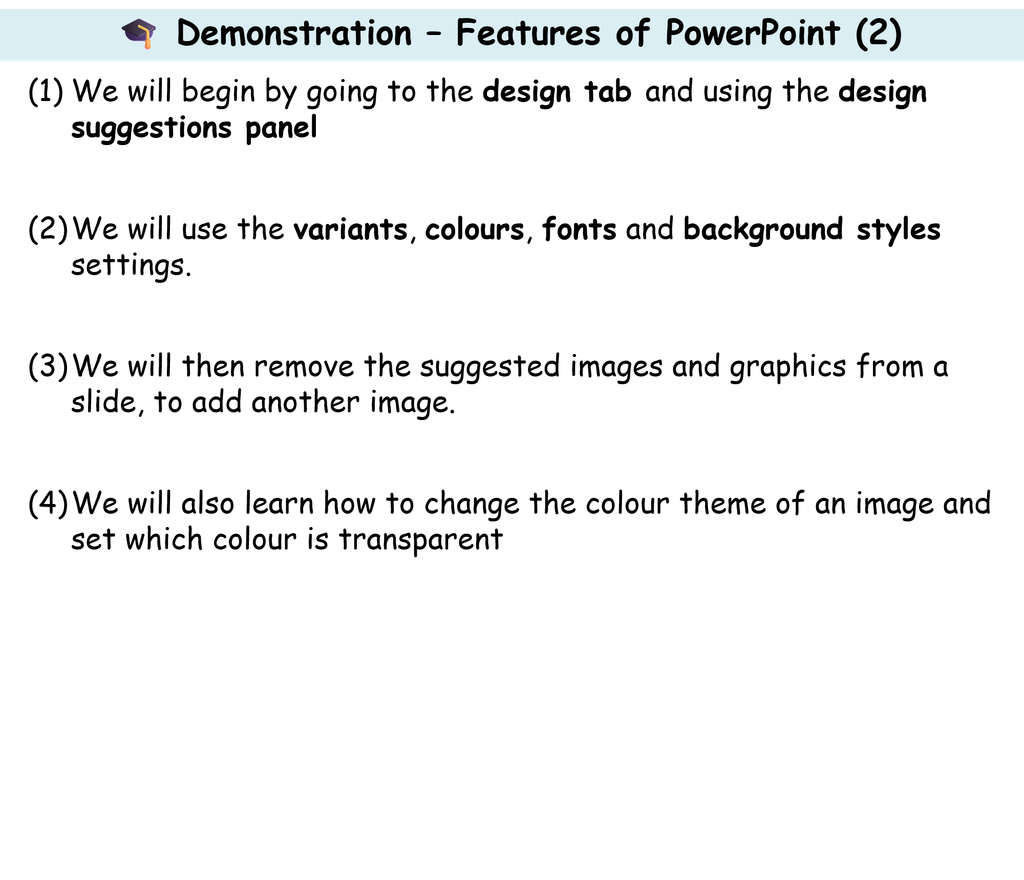
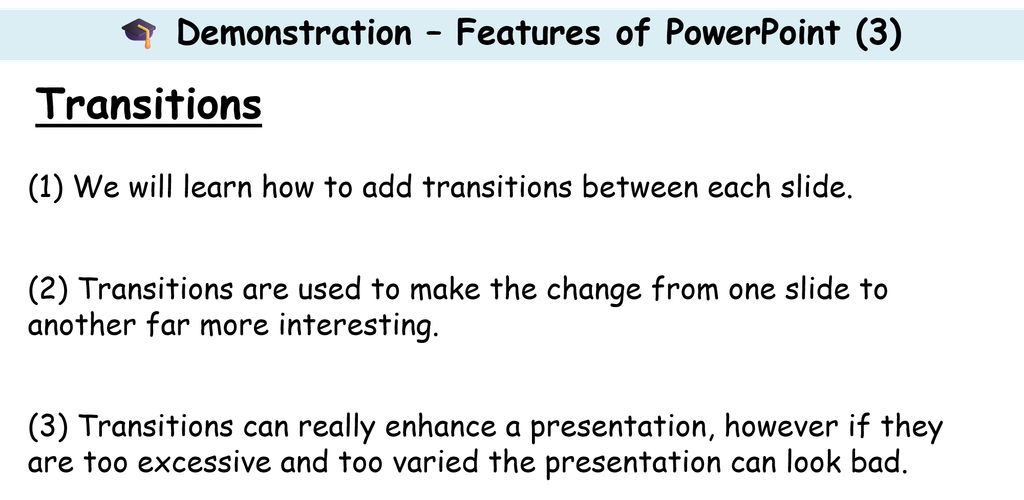
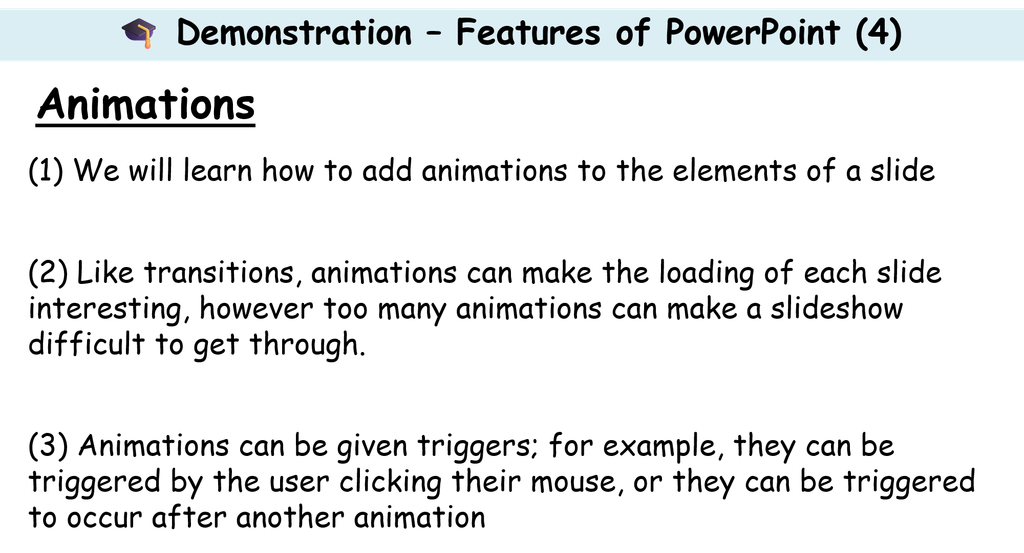
🎓 Demonstration – Features of PowerPoint
⌨️ Activity 1 – Begin Your Own Presentation (1)
| You now have the next few lessons to develop a presentation about a topic of your choice. It could be your favourite TV show, your favourite band / musician, your favourite type of animal – or absolutely anything else. Before you begin, you will need to set the presentation up (in a folder called AU1 – My Presentation, with the file name My Presentation) Watch this video to find out how: https://www.loom.com/share/430a75de303640649d416f2290ef1fe0 Make sure your presentation includes: (1) Appropriate fonts and styles (2) An appropriate balance of images and text (3)Appropriate animations (4)Appropriate transitions |
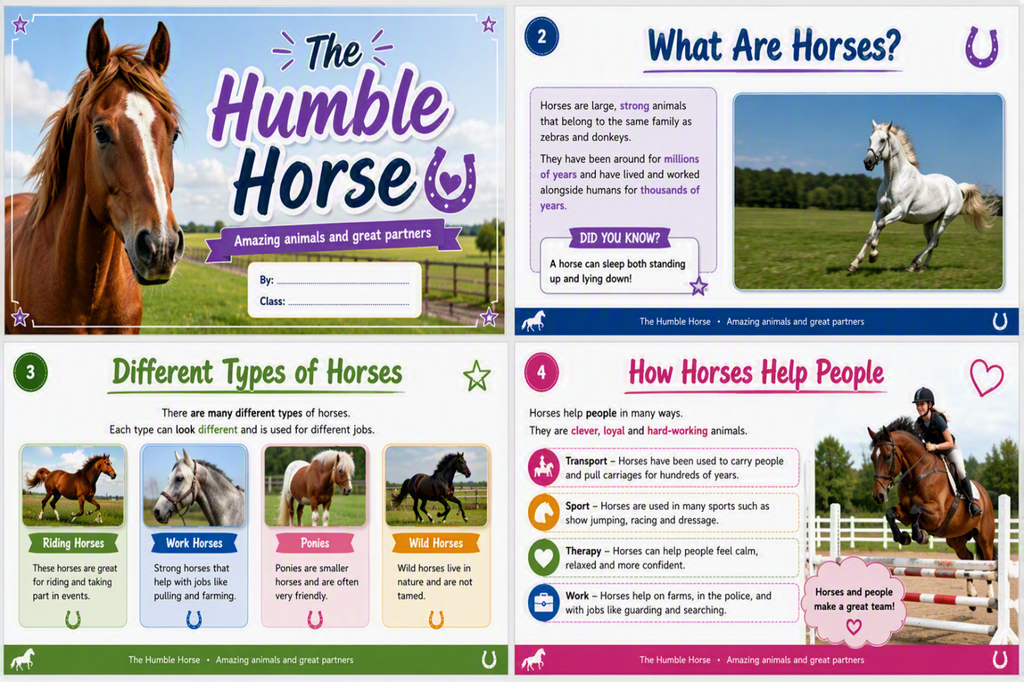
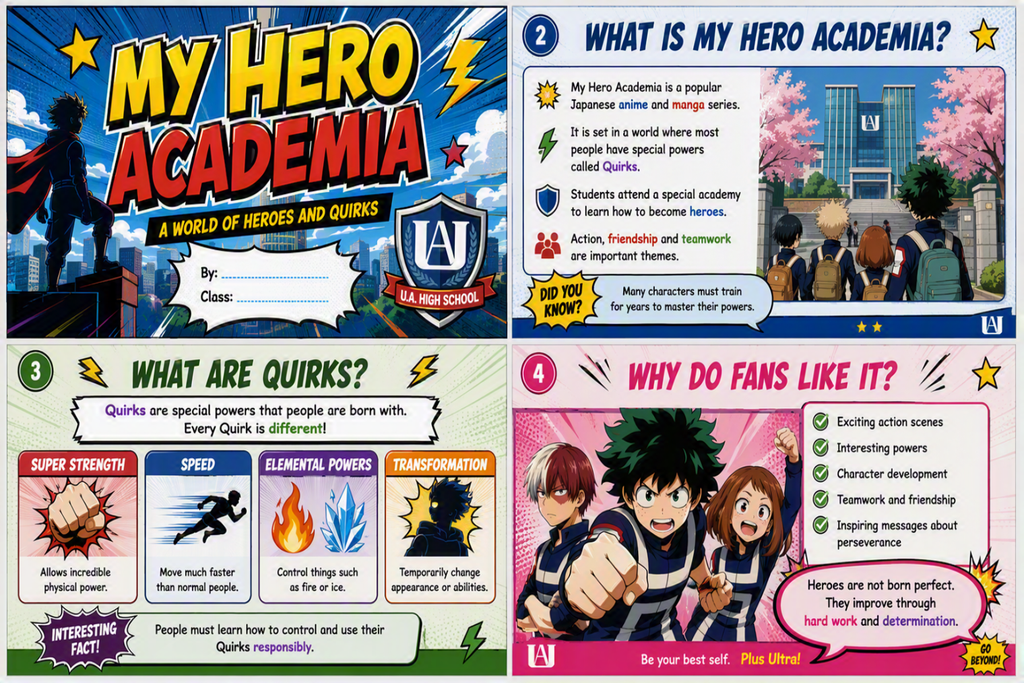
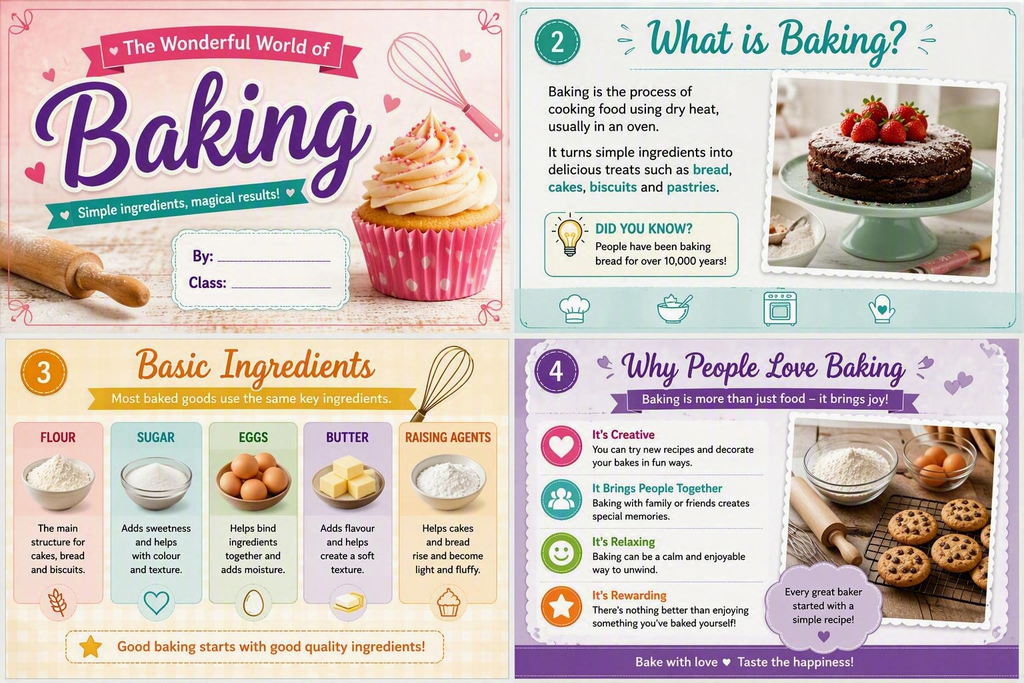
🔎 Example Slide Shows