⏱️ Do It Now
Create a OneNote Page
Copy both the title and the DIN task into the page – then complete the DIN task:
Y7 – AU1.6 – The Features of Microsoft Word
| 📝 Do It Now |
| Answer each of the following: (1) Give two examples of good email etiquette (2) Explain why email etiquette is an important part of professional communication (3) Give an example of poor email etiquette |
🎯 Lesson Objectives
| 1) We are learning about the uses of word processing software 2) We are learning about the different formatting features available through Microsoft Word 3) We will learn how to apply appropriate formatting to a word-processed document. |
📖 Features of Word Processors
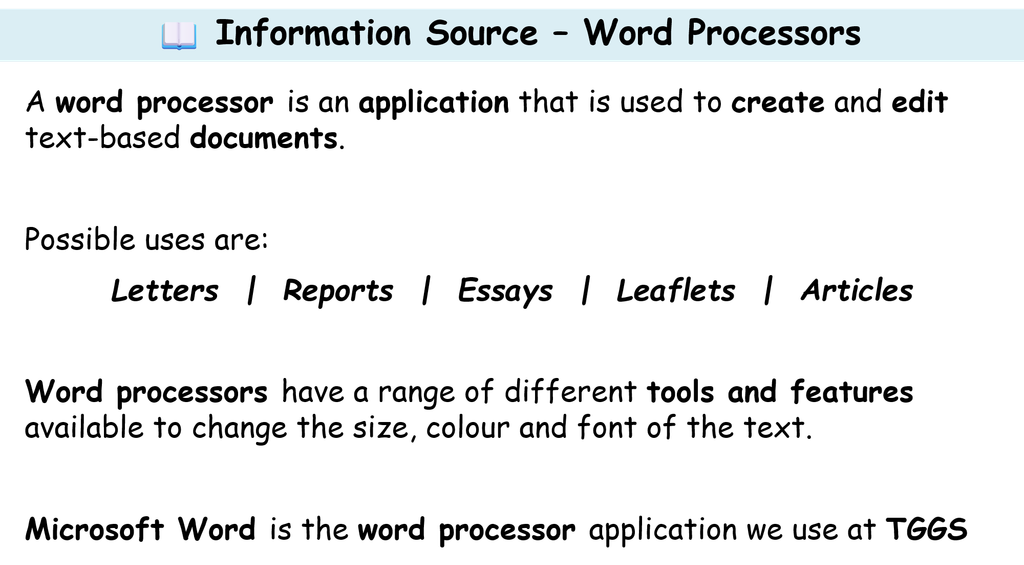
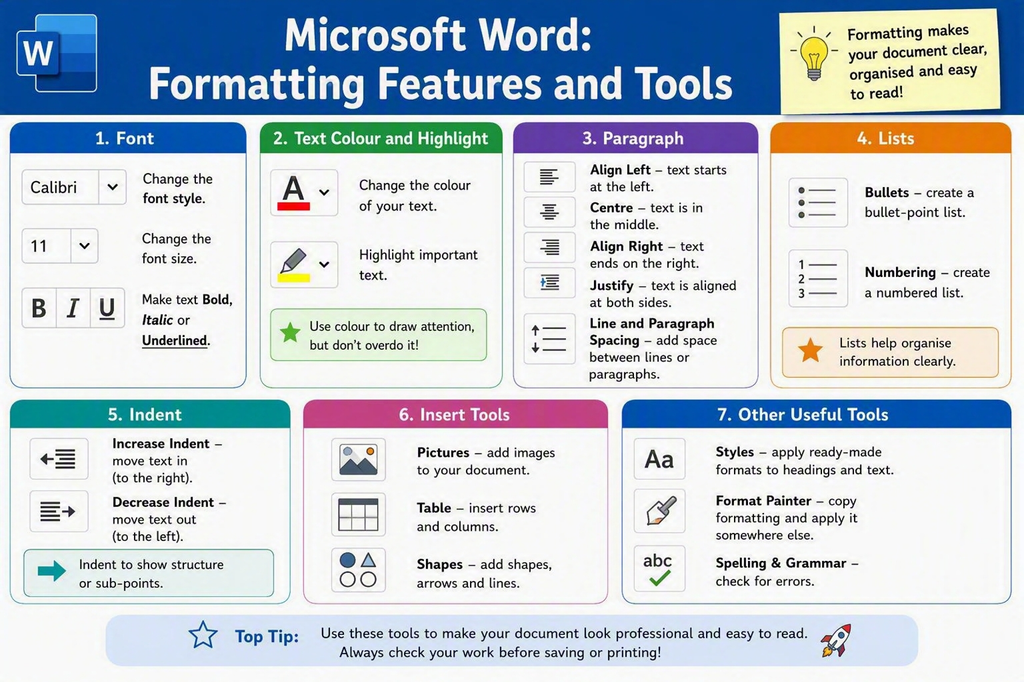
🎓 Demonstration – Formatting Features of Word (1)
| Download and Open this file: Letter Unformatted Watch this video to learn how it is set up: 🎥 Y7 – AU1.6 – Saving a Document Within a Suitable Folder Structure – Watch Video (7 Minutes) Your teacher will now demonstrate how to apply the following formatting tools and features to the document: –Font Face –Font Size –Font Colour –Emphasis –Bullets –Alignment –Indent Level |
⌨️ Activity 1 – Your Own Letter
| Complete the steps in this video: https://www.loom.com/share/fa599506a9114c94926fabc4d9dbf2a0 Then… 1)Write a short letter to a friend, all about your first few weeks at TGGS 2)Include details of all the fun things you have done, what lessons you have had, what clubs you have joined and any other information you wish to share. 3)Apply the various formatting tools and features you have used in today’s lesson |
⌨️ Extension Activity
| 1)Research additional formatting features (online) you can use to enhance the document 2)You might also want to add images to the document 3)See if you can use the picture formatting tab on the main menu to adjust the image |
